The Need to Monitor child's device activity
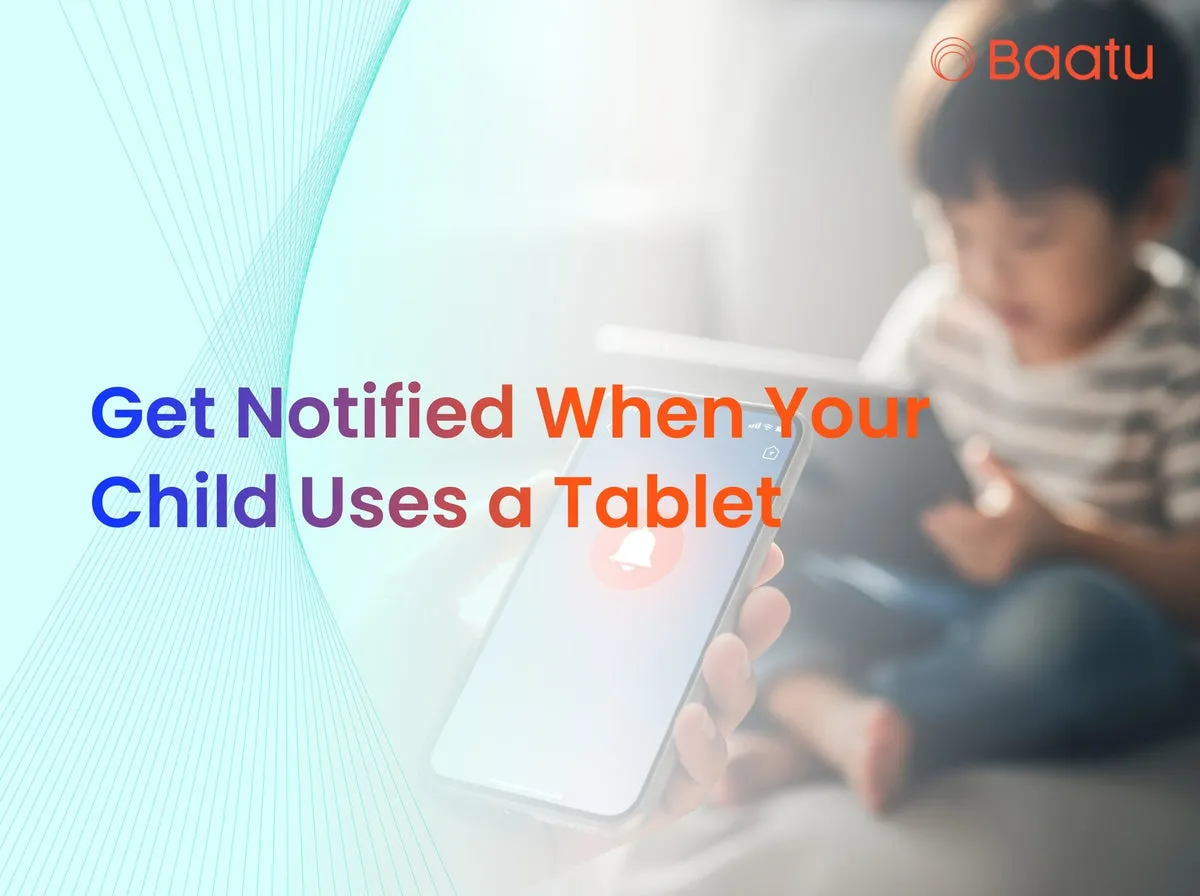
How Real-Time Alerts Work
Inappropriate content detection: Parents receive alerts if a child searches for adult topics or uses harmful language.
Battery & location updates: Stay informed when battery draws low or the child moves outside safe zones.
App usage monitoring: Instant alerts when new apps are installed or blocked apps are opened.
Get Notified When Child Uses Tablet: Why It’s Vital
By using real-time alerts, we stay aware without constantly spying on them.
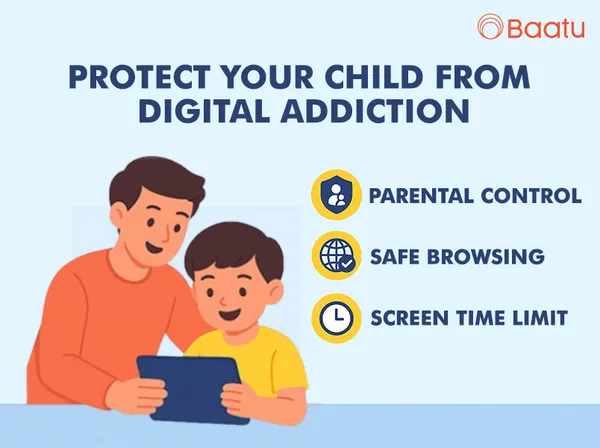
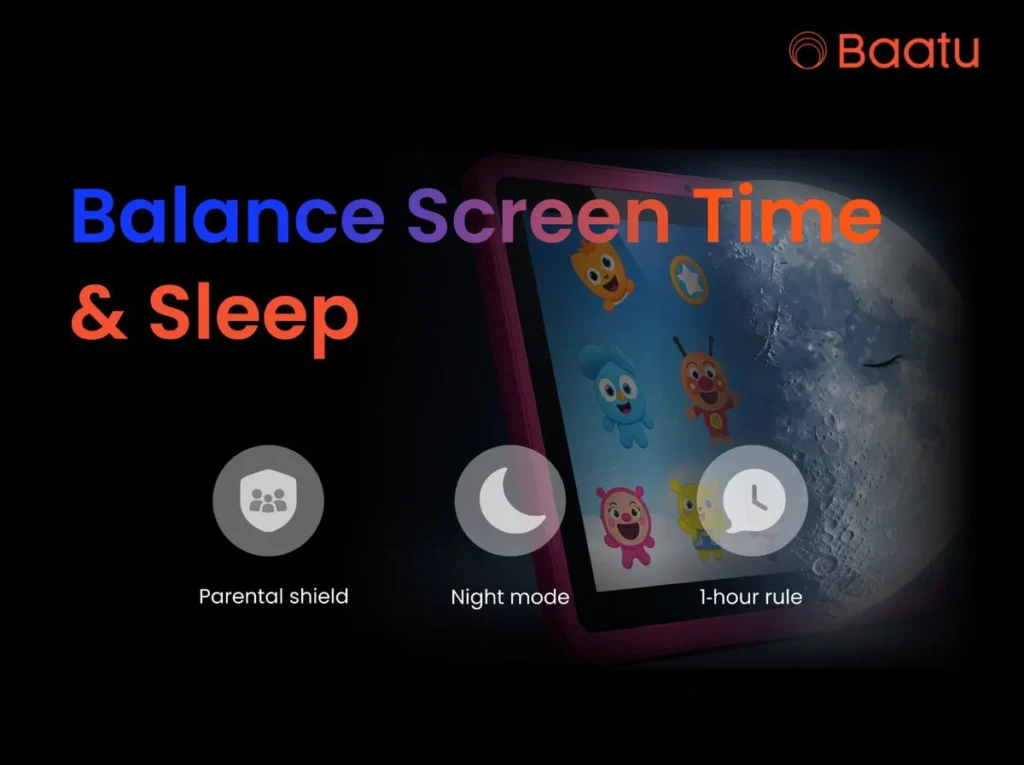
Encourages balanced tech habits – Parents can prevent screen time from going overboard by getting a notification exactly when the tablet is used too long.
Promotes safe online learning – We ensure educational activities remain the focus during homework hours.
Guard against addiction & harmful content – When an alert triggers, we can quickly address what caused it.
Feel connected – Seeing app use or notifications helps us stay engaged in our child’s daily digital life.
How Can Schools Use Parental Control Tablets for Homework Safety?
Controlled environment – Schools can deploy the Enable Smart Tab by Baatu to ensure students access only necessary study apps and websites.
Monitor progress – Teachers get notified when students open educational apps, helping track homework compliance.
Minimize distractions – Alerts fire when kids divert to games or social media during study time.
Safety & accountability – In-class use of tablets with “how can schools use parental control tablets for homework safety?” is ideal for reducing interruptions and improving focus.
Enable Smart Tab by Baatu: Features That Support Real-time Alerts
10.1″ HD Eye‑Protection Screen with 1280×720 resolution keeps children comfortable during long sessions.
Parental control suite lets us schedule usage, filter apps, and receive alerts for unsafe content or skipped homework.
MediaTek Octa‑Core processor, 4 GB RAM, and 64 GB storage (expandable to 128 GB) deliver smooth educational app performance.
Rugged unibody design and 6000 mAh battery ensure tablets survive active use and last through homework routines.
4G voice call + Wi‑Fi connectivity supports remote guidance and monitoring.
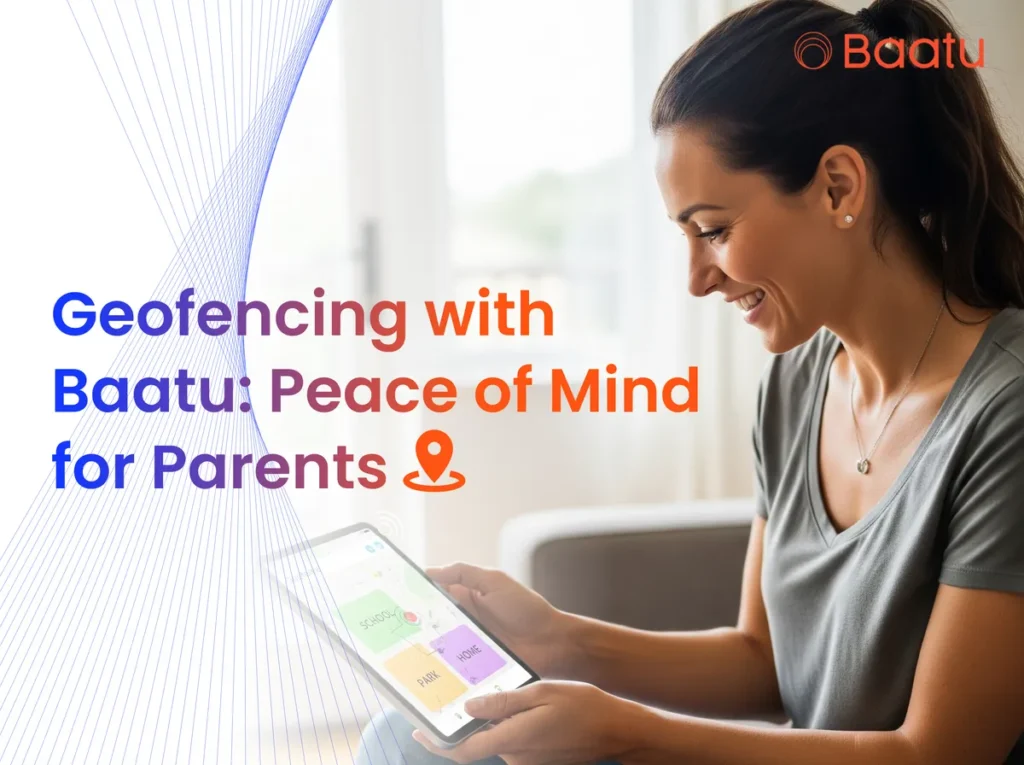
Geofencing & location alerts keep us aware when children enter or leave preset zones.
Dual stereo speakers a 3.5 mm jack, and USB‑C charging make it a complete package.
Enable Tab screen guard (HD, anti-scratch) at ₹499
Black PU leather flip cover at ₹699
Frequently Asked Questions
How is Enable Tab different from other smart tabs?
It combines geofencing, real-time alerts, and eye-protection in one kid-safe package.
What Android version does it run?
It runs Android 12 with the MediaTek MT8768A Octa‑Core chipset.
What is the Baatu App?
It’s the parent control app that lets us monitor usage, location, and set restrictions.
What’s the difference between Baatu and Enable?
Baatu is the brand; Enable Smart Tab is their dedicated kids’ tablet with advanced controls.
Can kids download games on Enable Tab?
Yes—but we can block gaming during homework time and get instant alerts when they attempt it.
How do I know if my child is accessing adult content?
Real‑time filtering and alerts notify you if inappropriate searches or websites occur.
Take Action Now!
Investing in these alerts is more than monitoring—it’s peace, safety, and digital wellbeing under one roof.