What is Geofencing and Why It Matters for Parents
Step-by-Step: How to Set Geofencing on Kids Device with Baatu
Step 1: Activate Parental Controls
First, we need to enable the parental control mode from the tablet’s settings. This lets us access advanced tools like app blocking, screen time limits, and yes—geofencing.
Step 2: Open the Baatu App
Using the Baatu parental control app, we log in and connect the Enable Smart Tab. From the dashboard, we’ll see an option called “Geofence Zones.”
Step 3: Create Zones
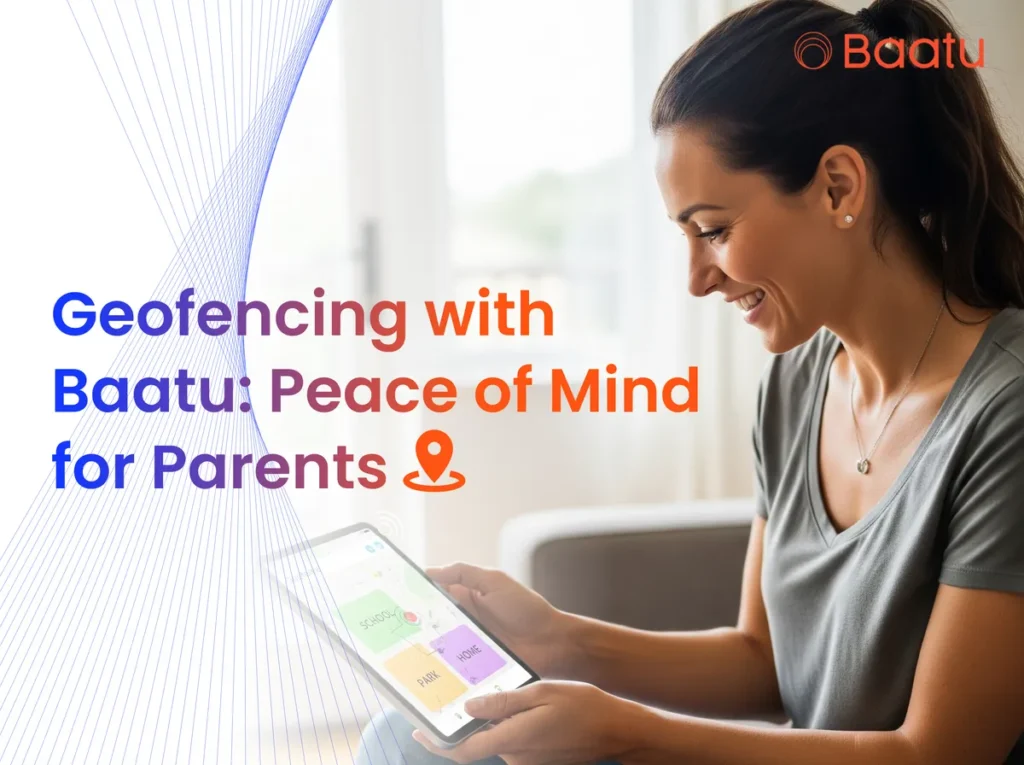
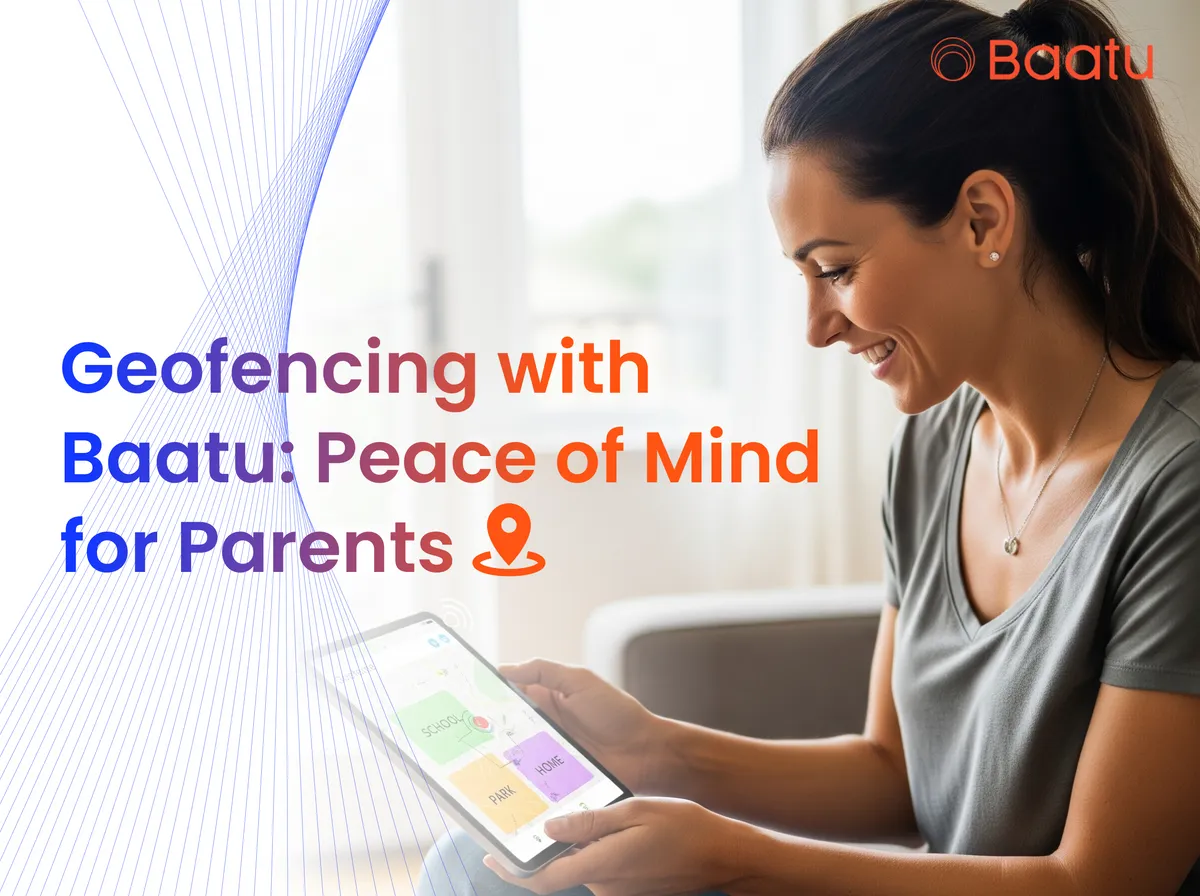
We tap on “Add Geofence” and mark the area on the map—like school or the park. We can even label it and set the radius, such as 500 meters. This is one of the simplest ways to set up geofence for kids app.
Step 4: Get Notified Instantly
Once zones are active, the tablet will alert us whenever our child enters or leaves those areas. This peace of mind is what makes the Enable Tab a must-have in every digital-first family.
Why Choose Enable Smart Tab by Baatu?
Dynamic Eye-Protection Screen
The 10.1″ HD display is designed with eye-protection technology, reducing strain during study or play.
Smooth Learning Experience
Powered by a MediaTek Octa-Core Processor, 4GB RAM, and Android 12 OS, the tablet allows seamless use of educational apps and videos.
Long Battery Life
The 6000 mAh battery supports all-day usage with a two-day standby time. That means fewer recharges and more learning.
Stay Connected
With 4G SIM and Wi-Fi support, kids can attend classes or video call family easily.
Affordable and Value-Packed
Enable Smart Tab: Rs. 15,999 now at Rs. 8,149 (Save 49%)
Screen Guard: Rs. 499
PU Leather Flip Cover: Rs. 699
Real-Time Alerts Without the Noise
India Parental Control App Review: Why Baatu Stands Out
FAQs
How is Enable Tab different from other Smart Tabs?
Enable offers a safe browsing experience, geofencing, alerts for adult content, and cyberbullying protection in one package.
What is the Android Version of Enable Smart Tab for Kids?
It runs on Android 12 OS, giving access to the latest features and apps.
What is the Baatu App?
It’s a parental control app that syncs with the Enable Smart Tab to manage everything from screen time to geofencing.
What’s the difference between Baatu and Enable?
Enable is the tablet. Baatu is the app that powers the control features. Together, they offer complete peace of mind.
Can my child download and play games?
Yes, but you can approve or block apps through the parental controls.
Can I use geofencing on more than one location?
Absolutely! You can create multiple geofence zones for school, playground, or even grandma’s house.
Let’s Parent Smarter, Not Harder
Ready to Protect Your Child the Smart Way?
Visit Baatu Enable Tab and bring home the future of safe learning today.