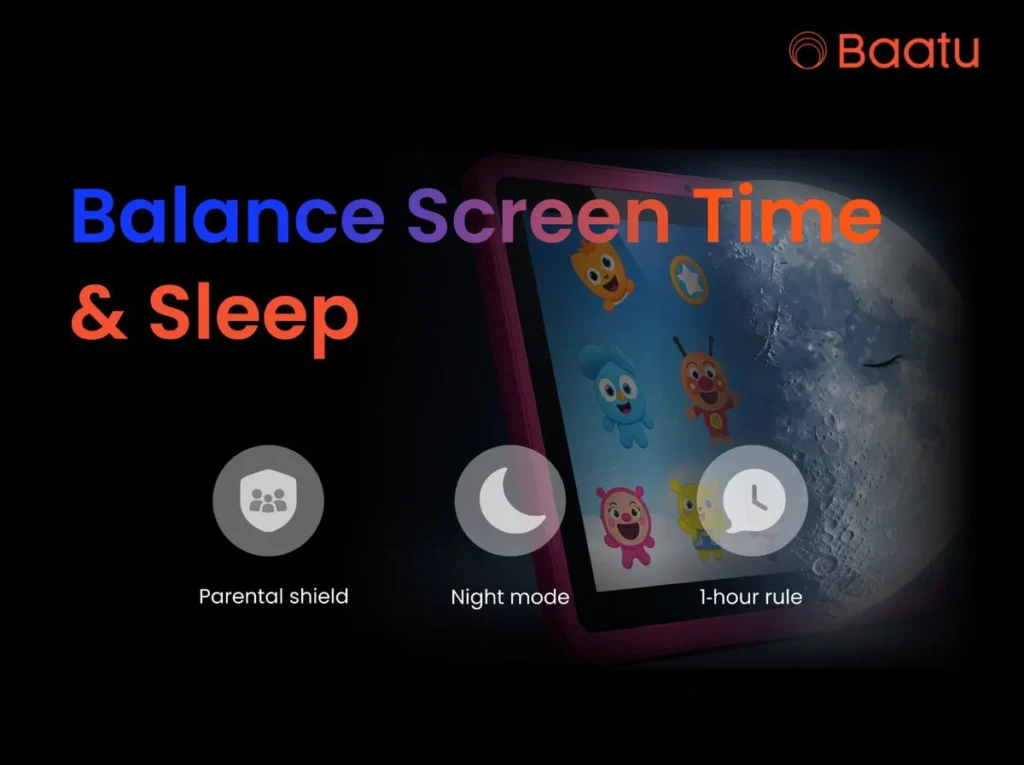
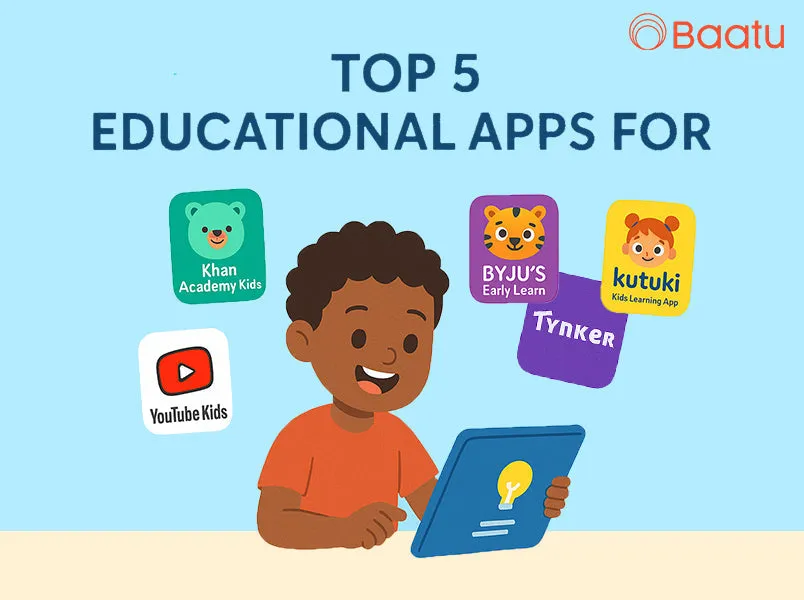
At Baatu, we know that it can seem quite intimidating to ensure your child has the perfect amount of screen time, but it can be learned in the right way. That’s where the Enable Smart Tab by Baatu steps in—not just as an education tablet for kids but as a complete digital safety and learning companion. Today, let’s look at five apps that truly enhance the learning experience on the Enable Smart Tab.
Why Smart Pairing Matters in Digital Learning
How Enable Smart Tab by Baatu Solves This Problem
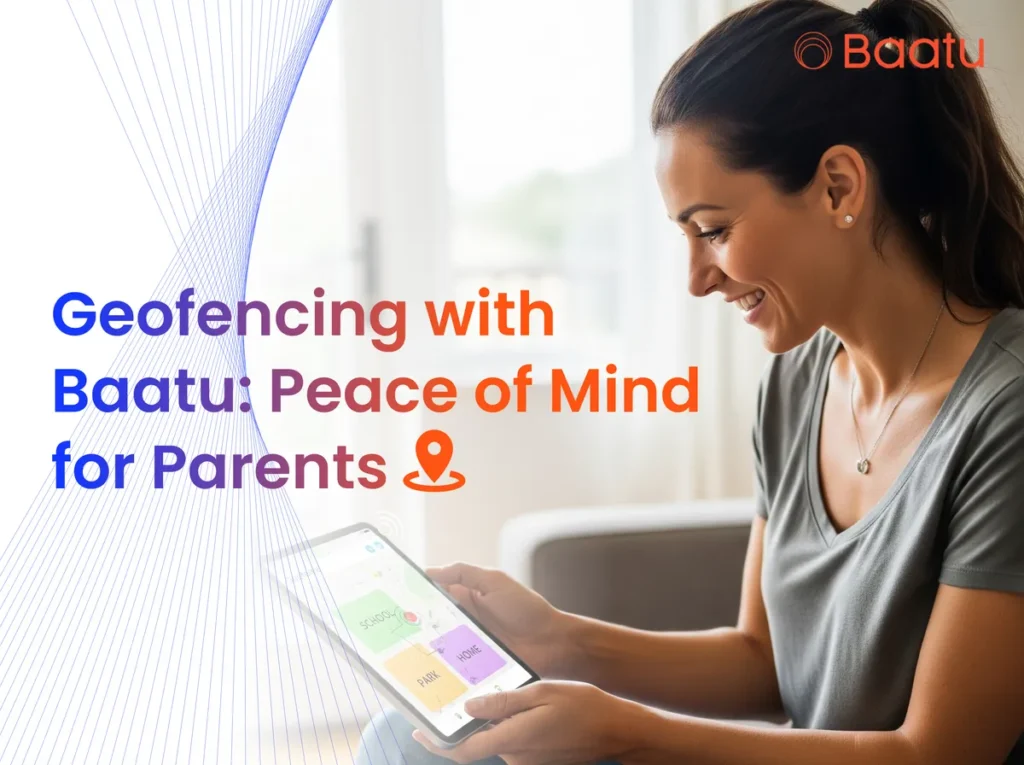
Our Enable Smart Tab by Baatu is more than a device—it’s India’s safest kids tablet with parental control. As something that is meant to make the learning process smooth and without unforeseen circumstances, it generates instant alerts when there is inappropriate search and cyberbullying, among them, and even when the battery of the phone is low or when the location is changed.
This tablet carries with it the MediaTek Octa-Core processor that has 4GB RAM and 64GB storage, with the option of increasing it up to 128GB. This means that you can run and duplicate educational applications without a hitch, whether interactive math games or learning a language at games. 4G SIM and Wi-Fi features also give children a chance to participate in real-time classes and interact with instructors, and they stay safe.
What Makes Enable Smart Tab the Best Tablet for Kids
Here’s what makes it ideal:
10.1” HD Eye-Protection Display for long hours of learning
6000 mAh battery for uninterrupted usage
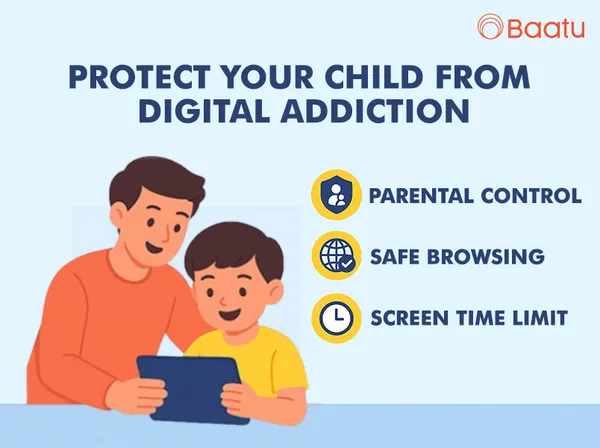
Advanced Parental Controls including app-blocking, screen-time monitoring, and content filtering
Dual Stereo Speakers for a rich audio experience
Durable design with protective cases and screen guards
Android 12 OS optimized for children’s learning apps
5 Educational Apps That Shine on the Enable Smart Tab
1. Khan Academy Kids
2. Byju’s Early Learn
3. Kutuki Kids Learning App
4. YouTube Kids (with strict parental filters)
5. Tynker
Real Benefits Our Users Have Seen
Why Parents Trust Enable Smart Tab by Baatu
12-month warranty
7-day replacement policy
PAN India free delivery
Super secure checkout
Free digital parenting guides and tech tips
Ready to Build a Safer, Smarter Learning Environment?
Frequently Asked Questions
1. Then what are we to make of the Enable Tab, or why did we include it among the other Smart Tabs?
The first Tab is the Enable Tab, which contains security first. It has real-time warning of inappropriate Content and a durable kid-safe design, as well as profound parental control.
2. What is the Android Version of Enable Smart Tab?
It is powered by Android 12, which makes it optimized in terms of performance of educational applications, parental control.
3. An Introduction to Baatu App?
An example is a family protection package to enable content management, tracking of locations, control of screen time, and smart alerts to dangerous activity or content.
4. Does my child get to the games and download games on the Enable Tab?
Yes, but a parent must be allowed. It is up to you what and how long you have it installed.
5. How will I become aware that my child is accessing some sites that have adult content?
Real-time warning will appear on your phone through the Enable Tab when inappropriate search or material is found.