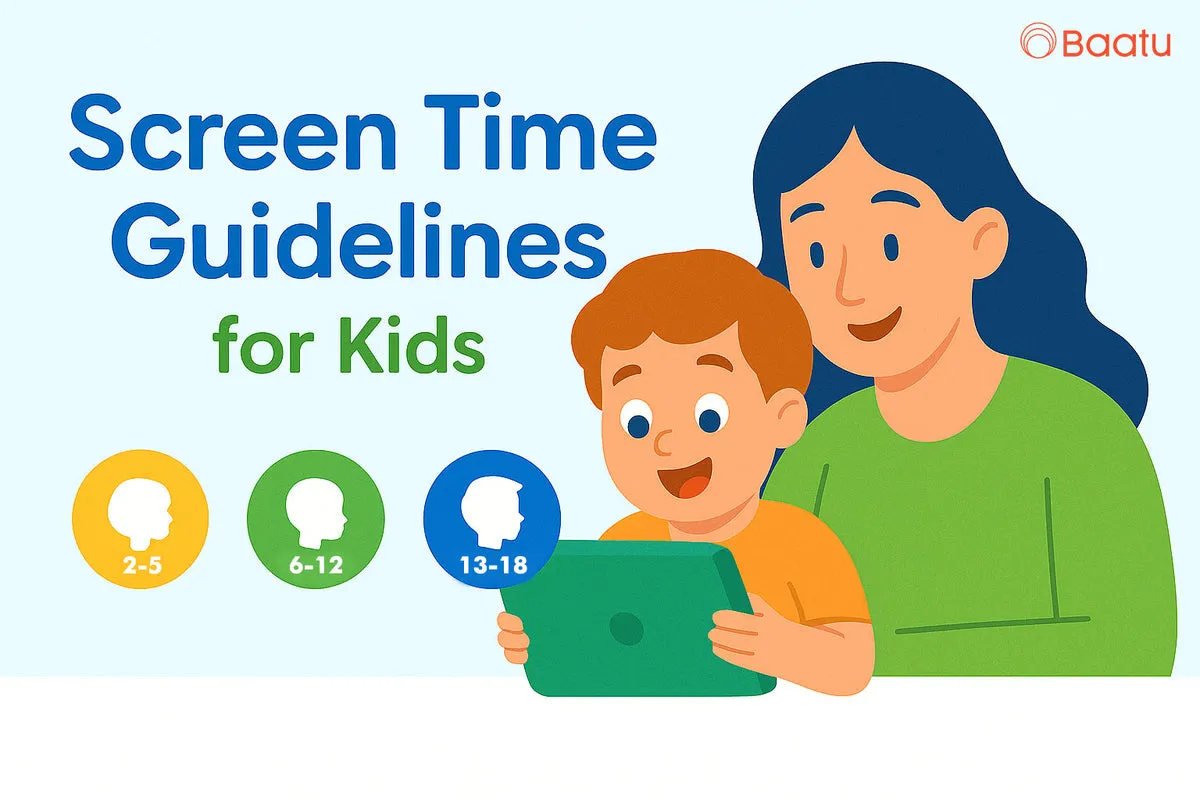
In today’s connected world, setting the right screen time guidelines for children isn’t just smart parenting—it’s a necessity. As parents, we are continually trying to find that balance between online learning and healthy offline growth. However, there are so many opinions; how do we decide on what is age-appropriate?
Screen-time limits by age breakdown. Let us simplify by age group and how we can make sure our children have a healthy digital routine without ongoing confrontations.
The Problem: Too Much Screen Time, Not Enough Clarity
The Solution: Age-Specific Screen Time Guidelines
Ages 2–5: Limit it to 1 hr of good quality a day. Co-viewing recommended.
Ages 6–12: No more than 2 hours per day, not including school work. Browsing was tracked with the help of my Focus app.
Ages 13–18: Productivity, learning, and communication use should be encouraged. It is a good idea to limit to 2 to 3 hours a day of recreational screen time.
Context is what is more important than hour counting. A tablet for kids should empower, not distract. That is why the selection of the appropriate device is no less significant than our rules.
Enable Smart Tab by Baatu: A Parent’s Digital Superpower
The Enable Smart Tab by Baatu was developed to assist parents such as ourselves in controlling screen time usage by our children, without all the hassle. It’s not just a tablet for kids; it’s a complete digital safety system.
Set and customize screen time guidelines by child and age
Block inappropriate apps and websites
Monitor activity and get alerts for risky content
Enable safe YouTube access with filtered viewing
Why Enable Stands Out: Features That Matter to Parents
10.1″ HD Eye-Protection Screen – Perfect for little eyes
Advanced Parental Control Mode – Easy to set up, powerful to manage
Octa-Core Processor + 64GB Storage – Seamless multitasking for learning apps and videos
6000 mAh Battery – All-day performance without worry
Dual Speakers & Headphone Jack – Great for stories, calls, and quiet study time
4G & WiFi Calling – Stay connected, safely
Dual Cameras – For online classes and creative funRobust Design – Built to survive drops, bumps, and kid-powered chaos
Real Impact: More Than Just Screen Time Control
Less screen addiction, more routine. The less addicted to screens and the more structured the routine, the better.
Safer online exploration with the best parental control for YouTube
Fewer crime, bullying, or abusive language
Study-play balance
It is not only a matter of constraints. It is concerned with intelligent, responsible digital parenting.
Why Parents Trust Us
A 12-month warranty
Free 7-day replacement
PAN India delivery
Expert support from our team
A dedicated Baatu App to manage everything with ease
Start Smart Parenting!
FAQs: What Parents Ask Most
Q1. How to stop overexposure to screens by my child?
With Enable’s built-in options, you can set a daily time allowance, set break times and lock the tablet when time’s up.
Q2. What’s the best parental control for YouTube?
Enable offers custom filters and allows only age-appropriate YouTube content, making it among the best parental controls for YouTube.
Q3. Can I enable my child to download/play games?
Yes- but only the ones you want. You control it with the help of the application-blocking programs.
Q4. Is this just a learning tablet for kids?