Why Sleep Matters More Than Ever
Smart Screen Habits: Practical Solutions
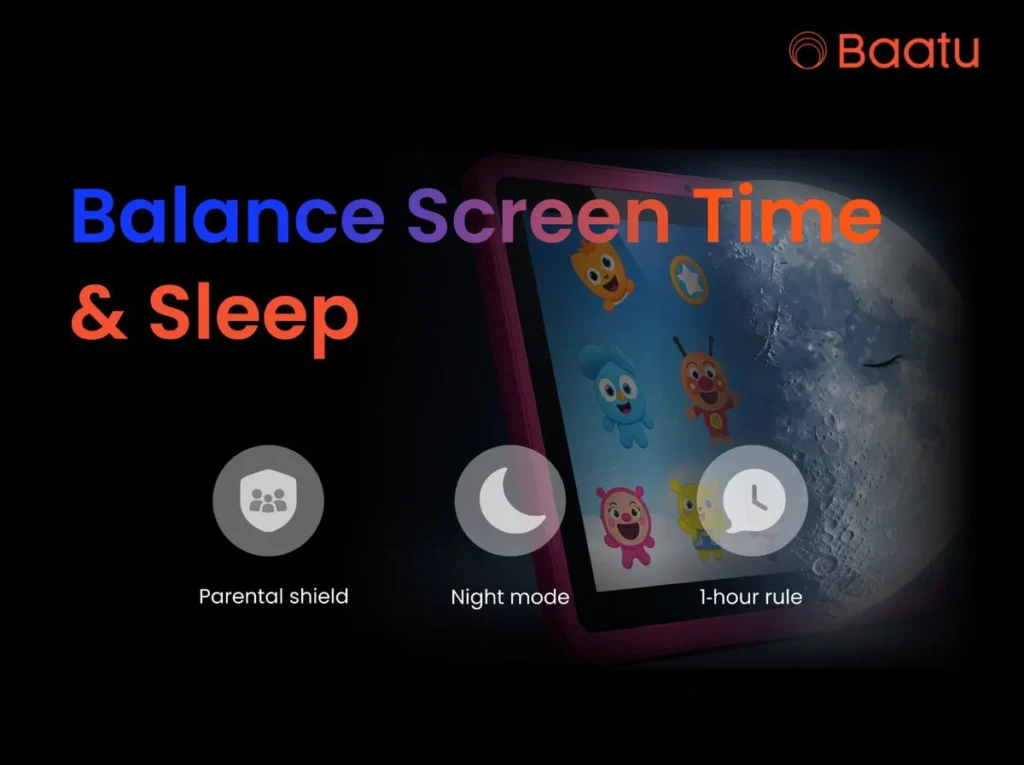
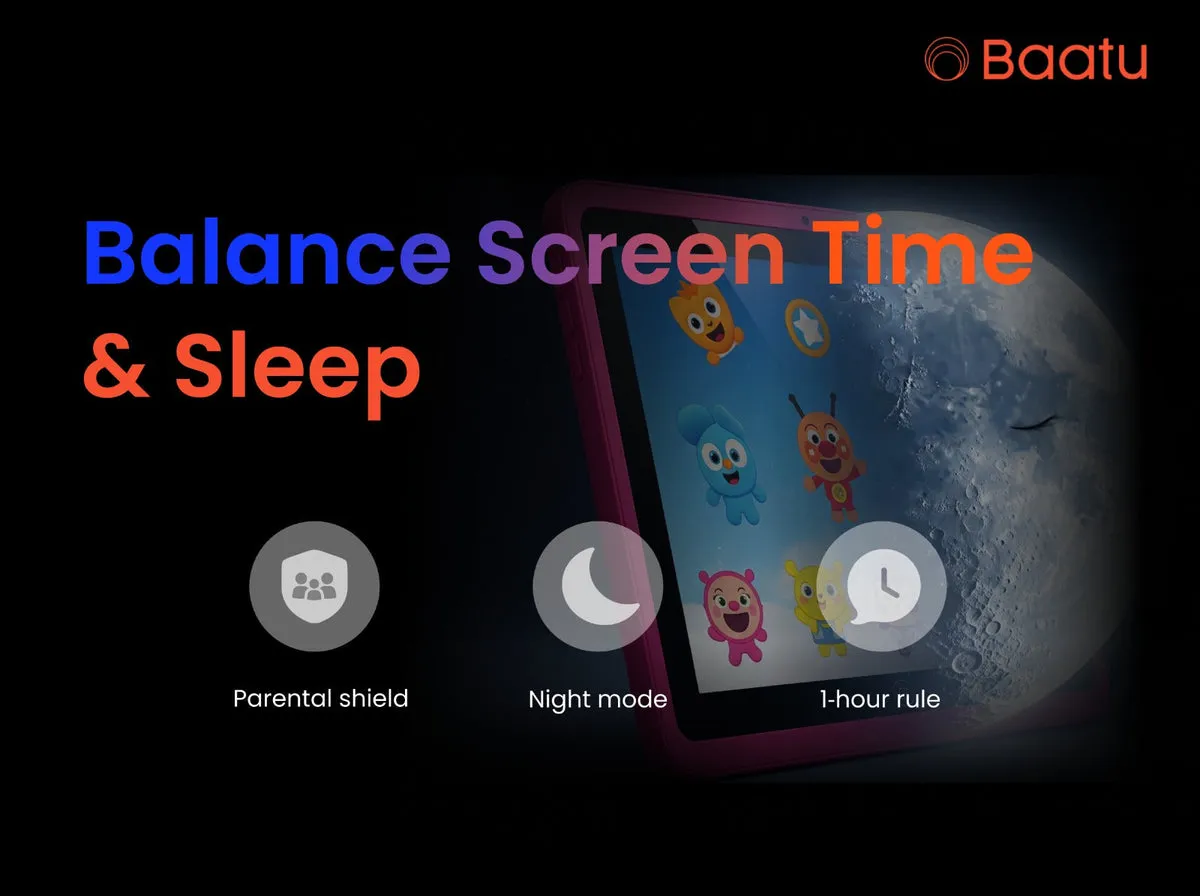
The 1-Hour Wind-Down Rule: Ban 60 minutes before bed. Replace tablets with relaxing activities such as reading. This facilitates the process of going to sleep
Consistent Digital Curfews: Establish scheduled hours when the screen is off every day. Synchronicity strengthens the circadian rhythms.
Content Matters: Choose educational applications instead of games that are fast-paced. Relaxing stories eliminate the clutter in the mind before bedtime
Tech as a Tool, Not a Pacifier: Use gadgets in deliberate activity such as homework or imaginative projects, rather than endless amusement.
Enter Parental Control Tablet For Kids
How Enable Smart Tab Harmonizes Tech and Rest
Built-In Guardrails: Its parental controls for screen time auto-limit usage post-curfew. Never again negotiate wars!
Safe Content Ecosystem: Violent/adult material is blocked through filters, which minimizes pre-sleep anxiety.
Sleep-Related Functionality: Reduced blue light at night (Night Mode) and an alert will tell you when the sleep rules are violated.
Spotlight: Enable Smart Tab Specs
Display: 25.65 cm (10.1″) HD screen for classes, movies, and more
Battery: 6000 mAh battery + 8MP rear & 5MP front camera for clear photos and videos
Storage: 4 GB RAM, 64 GB ROM (expandable to 128 GB)
Processor: Android 12 | MediaTek | USB-C for faster data transfer
Connectivity: 4G voice call and Wi-Fi
Crafting a Healthy Sleep Schedule for Children Using Tablets
Daylight Exposure: The natural light enhances daytime awareness, which leads to a deep sleep at night.
Location of Charging Stations: Do not charge the tablets in bedrooms to avoid temptations.
Screen-Time Journals: Allow children to police themselves. Responsibility comes through awareness.
Real Impact: Beyond Theory
A 2023 article in the Pediatrics journal discovered that children who had bedtime restrictions on technology slept 40 minutes additional every night. Combine structure with tools like parental controls for screen time, screen-off schedules, and night modes to promote restful sleep and focused days.
Takeaway: Balance Is Possible
We do not need to demonize screens; we must know how to manage screens. It is possible to integrate digital growth with physical well-being by means of intentional routines and the right instruments. A Parental Control Tablet For Kids isn’t just convenient; it’s a commitment to holistic health. Are you ready to have Peaceful Nights and Productive Days?
So, how about we develop a world where technology serves our children and not the other way around?
FAQs
What does this tablet prevent against sleep disturbance?
Its scheduler switches off apps at a preselected time of the day to ease the process of falling asleep.
Can one filter the content?
Absolutely! Authorize instructional applications and revoke troublesome applications.
What does my child do when he or she is going around controls?
Instant alerts inform you of any broken rules, and you need not have a technical background.
Is night mode helpful?
Yes! It filters the wavelengths of the blue light, which has been known to delay the production of melatonin.